
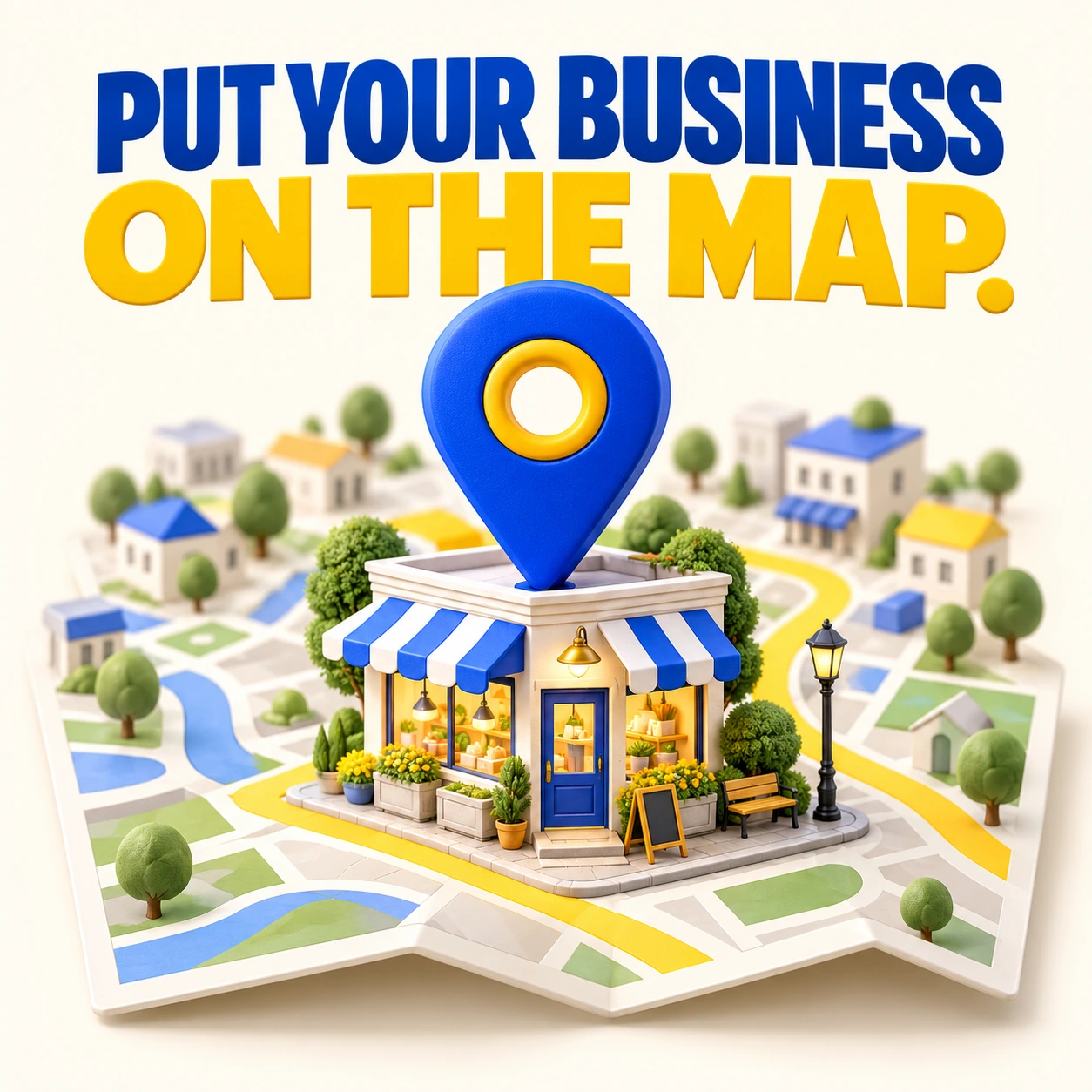
A pin on the map is only helpful if it points customers to the right information. Google Maps optimization starts with a legitimate, accurate Business Profile and continues with the details people need before they call or visit.
Check eligibility and location details
Represent your real business and follow Google’s rules for the type of operation you run. A customer-facing location and a service-area business are different situations. Do not create extra profiles for towns you serve or use an address where customers cannot actually visit as though it were a storefront.
Answer the practical questions
Check your category, hours, phone, website, and service information. Use current photos that match the business. If someone can visit, make the location easy to identify. If you travel to customers, explain the service area and booking process clearly on your website.
Treat the profile as ongoing work
Request honest feedback from real customers and respond constructively. Update special hours before holidays and check for inaccurate edits. Local results also depend on the searcher’s location and other factors, so avoid services promising a fixed map position everywhere.
Your next steps
- Review your business type and displayed address.
- Correct the phone, website, category, and hours.
- Add helpful recent business photos.
- Recheck the profile after operational changes.
For further guidance, see Google’s local ranking guidance.
Keep exploring
Need a hand putting this into practice?
I help small businesses bring their websites, branding, and marketing together with practical advice and personal attention. Tell me what you’re working on, and let’s discuss the next step.



Comment(01)