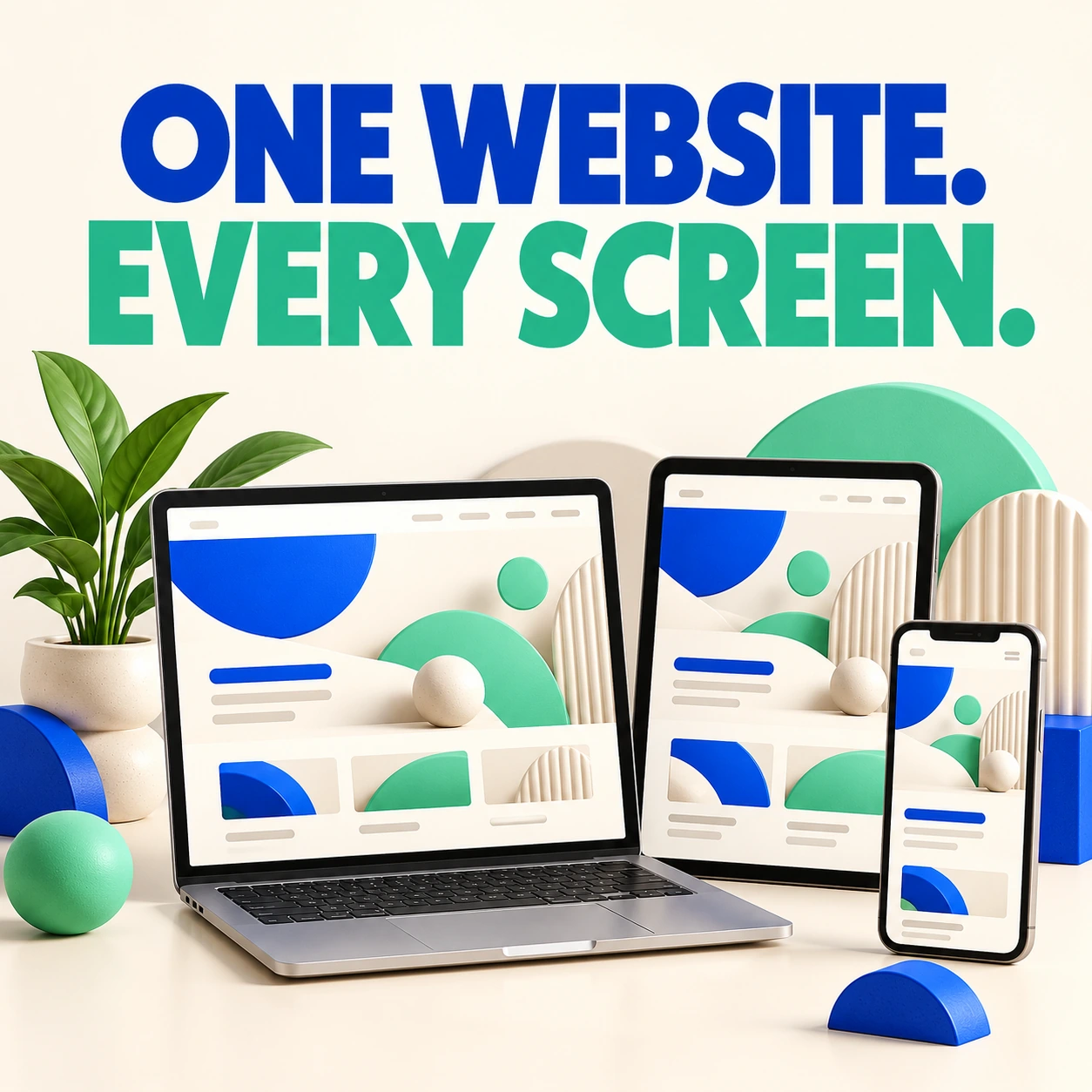
Responsive Web Design: Your Website Should Fit the Screen
If someone has to pinch, zoom, and chase your menu around a phone screen, your website is making the introduction unnecessarily awkward. Responsive design adjusts the layout so visitors can read, browse, and act on different devices.

SEO-Friendly Web Design: Build Pages People Can Find and Use
An attractive website is a good start. Search engines also need to discover its pages, and visitors need to understand them once they arrive. SEO-friendly design brings structure, useful content, and technical basics into the same conversation.
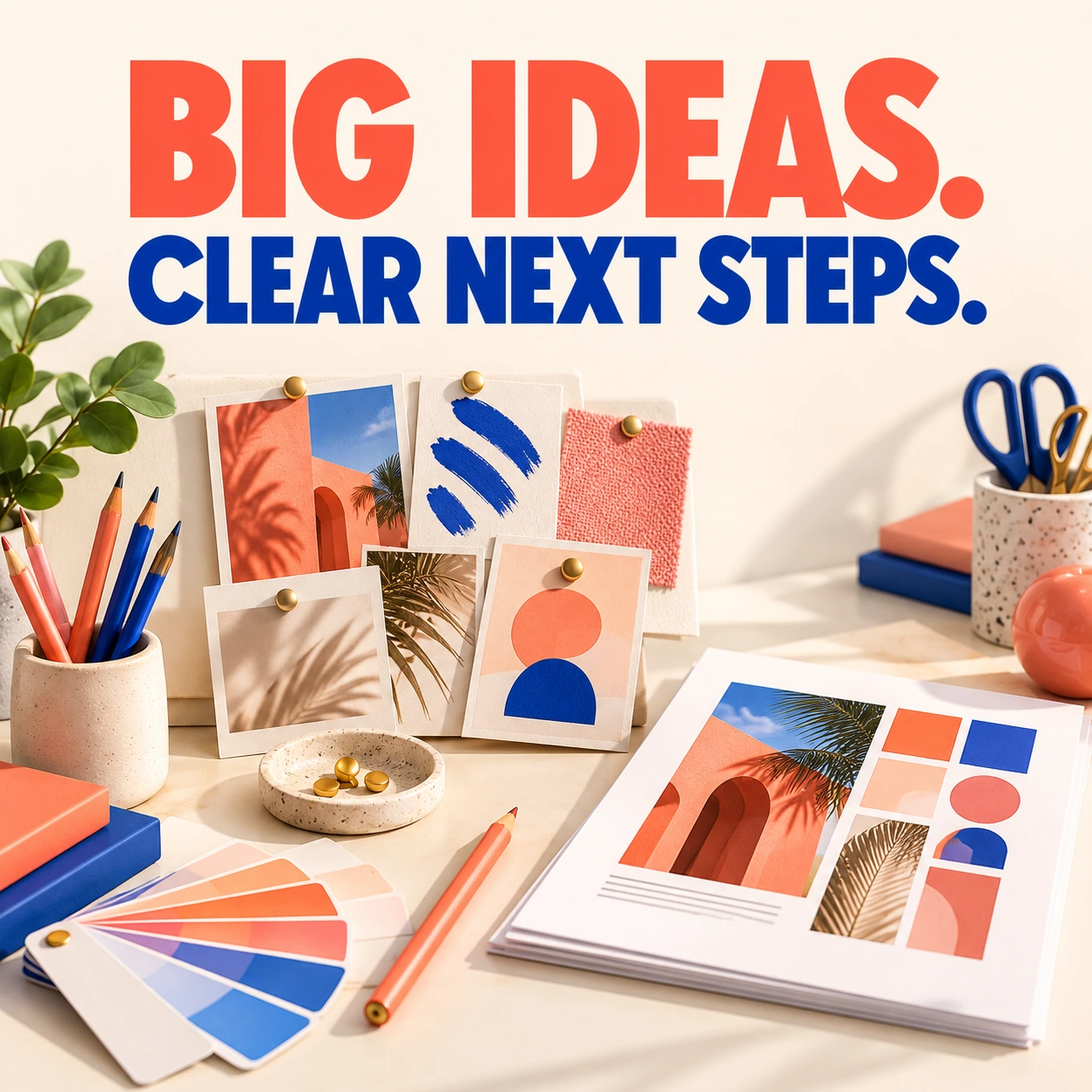
Working With a Designer: From First Idea to Finished Files
You do not need to arrive with perfect design vocabulary. You do need to explain what your business is trying to achieve. A good project starts with useful questions and a shared understanding of what “finished” means.

Progress Indicators: Let Website Visitors Know What Is Happening
Click. Nothing happens. Click again. Now there are two submissions. A useful progress indicator prevents that uncertainty by explaining what the website is doing and what the visitor should expect next.
Feature Comparison Tables That Help Customers Choose
A comparison table should reduce uncertainty, not make customers decode twenty rows of tiny checkmarks. The most useful table answers the differences that affect the buying decision.
Choosing a UI Design Tool: What Matters More Than the Brand Name
Switching design tools is easy to announce and surprisingly time-consuming to finish. Before choosing one, think about the work it must support: exploration, reusable components, collaboration, handoff, and future editing.
Website Navigation Ideas That Help Visitors Find Their Way
Your menu is not the place to make customers solve a riddle. Clear navigation helps visitors understand what you offer and where to go next, even when they have never heard of your business before.

6 Steps to Better Icon Design for Your Website
A good icon helps someone understand an action quickly. A confusing icon adds a tiny guessing game to your website. Before choosing a whole set, make sure the symbols communicate clearly and work together.

Extensible WordPress Plugins: Build Room for Future Changes
A useful plugin solves today’s problem. A thoughtfully extensible plugin also gives future changes a clear place to belong. That can reduce the temptation to edit core plugin files whenever a site needs a slightly different behavior.