
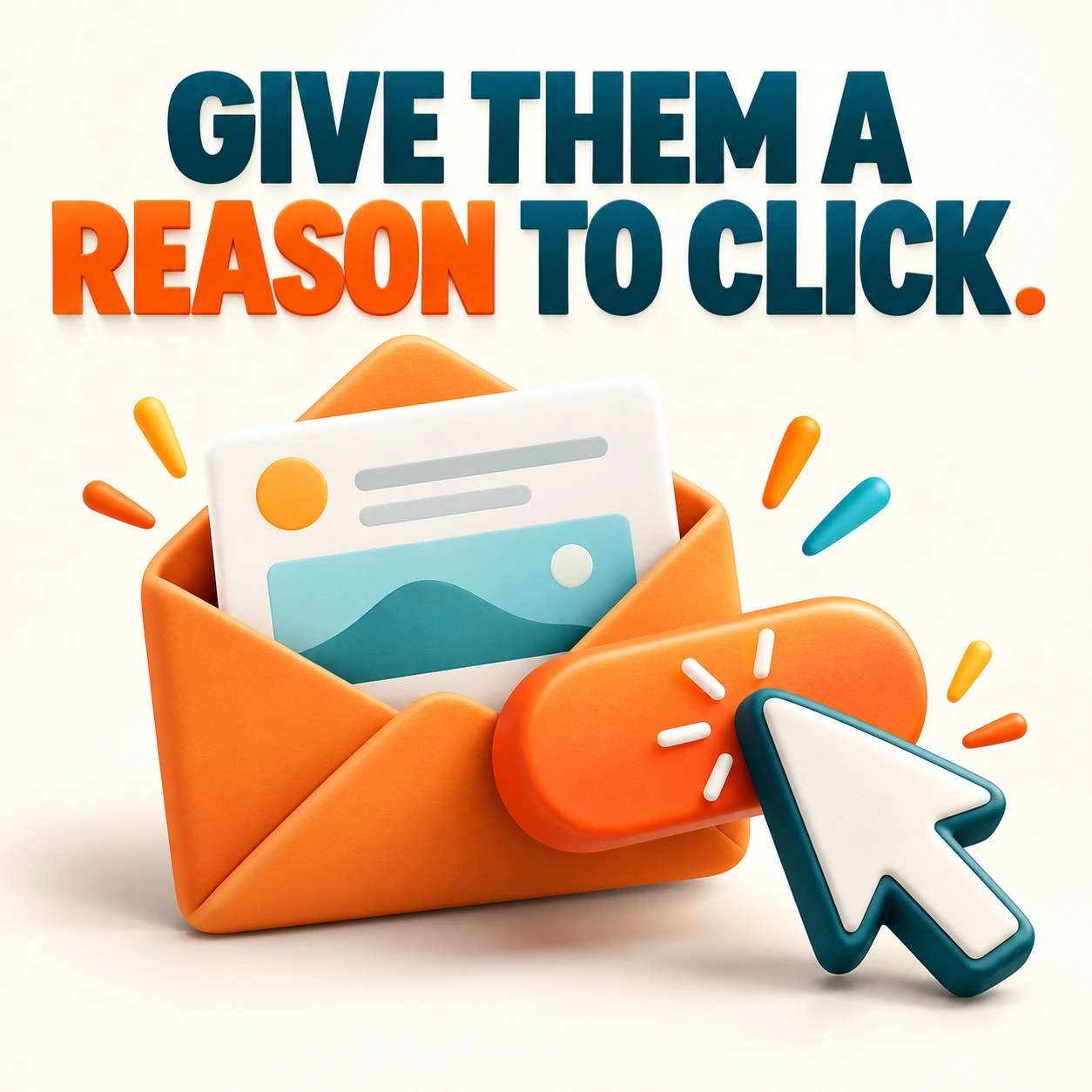
Email Click-Through Rates: Give Readers a Better Reason to Click
“Click here” is not much of an invitation. Readers need to understand what is waiting on the other side and why it is worth their time. Better email clicks begin with a better match between the person, the message, and the destination.

Mobile Website Checklist: Test the Visit Your Customers Actually Make
Your website looks excellent on the office monitor. Your customer is standing in a parking lot trying to find your number with one thumb. That is the visit worth testing.
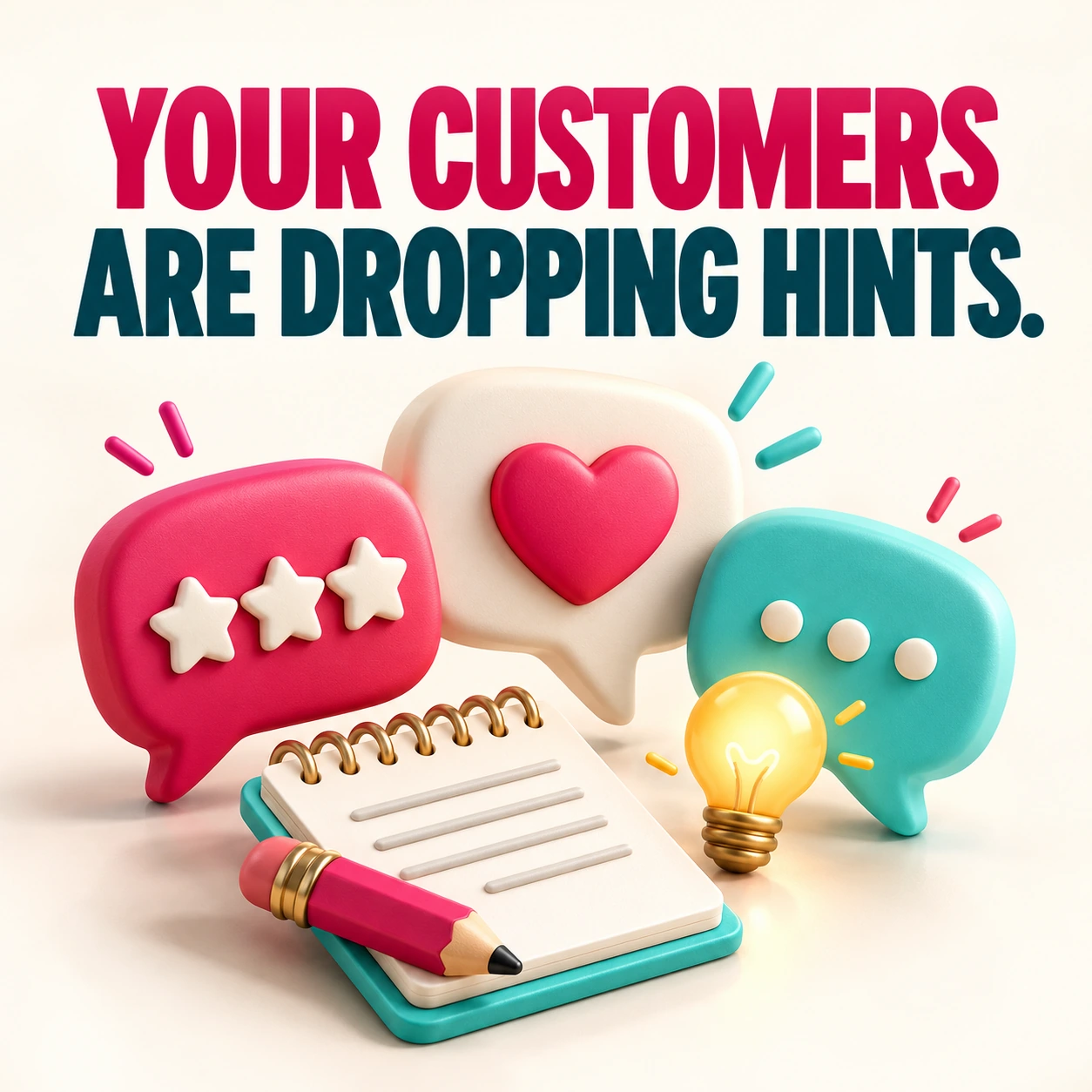
Turn Customer Feedback Into Better Service and Stronger Marketing
A good review is lovely to receive. A recurring customer comment can be even more useful. Feedback tells you what people value, what confuses them, and which parts of the experience deserve attention.
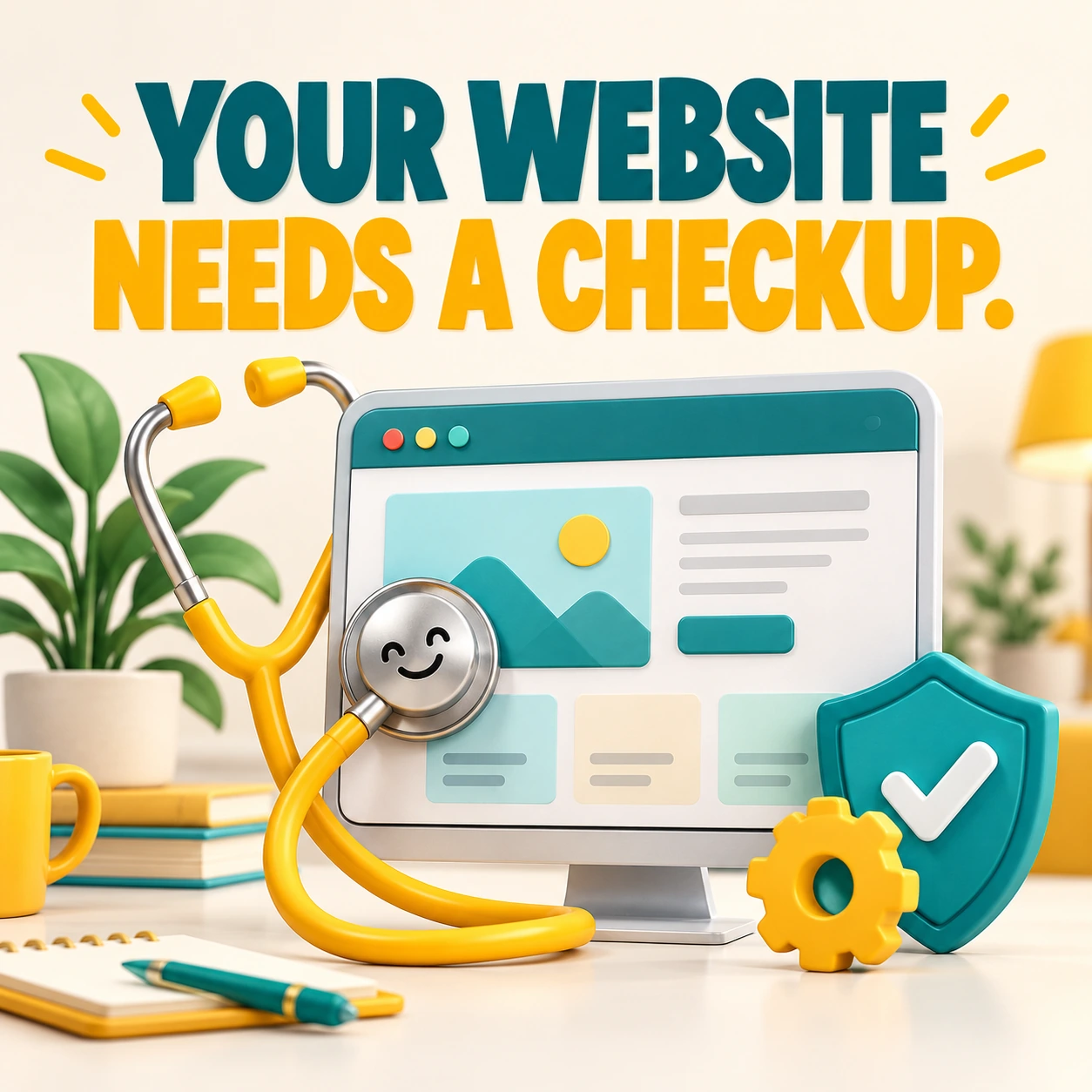
WordPress Maintenance Checklist: Keep Your Website Working After Launch
Your website launched. The confetti settled. Now comes the work that keeps it useful: updates, backups, working forms, current content, and a little attention before small problems become expensive surprises.
How to Add WooCommerce to WordPress: A Sensible Launch Plan
Installing WooCommerce is the easy part. Building a store that charges the right amount, sends the right emails, and handles an actual order takes more preparation. Start with the selling process before choosing another product-page effect.
AI Images or Stock Photos? Choose the Right Visual for Your Website
Sometimes you need a photo of your real work. Sometimes you need an illustration of an idea. Knowing the difference helps you choose between original photography, licensed stock, and AI-generated visuals without confusing the people you want to reach.
Web Design vs. Web Development: Who Does What?
You need a website, but the proposals mention design, development, UX, hosting, and maintenance. Are those five different jobs? They can overlap, but understanding the roles helps you ask for the right work.
How to Choose a Blogger Template Without the Download Regret
A Blogger template can look gorgeous in a demo and feel very different once your real title, photos, and sidebar arrive. Before you download, check whether the theme fits your content and whether you can maintain it comfortably.
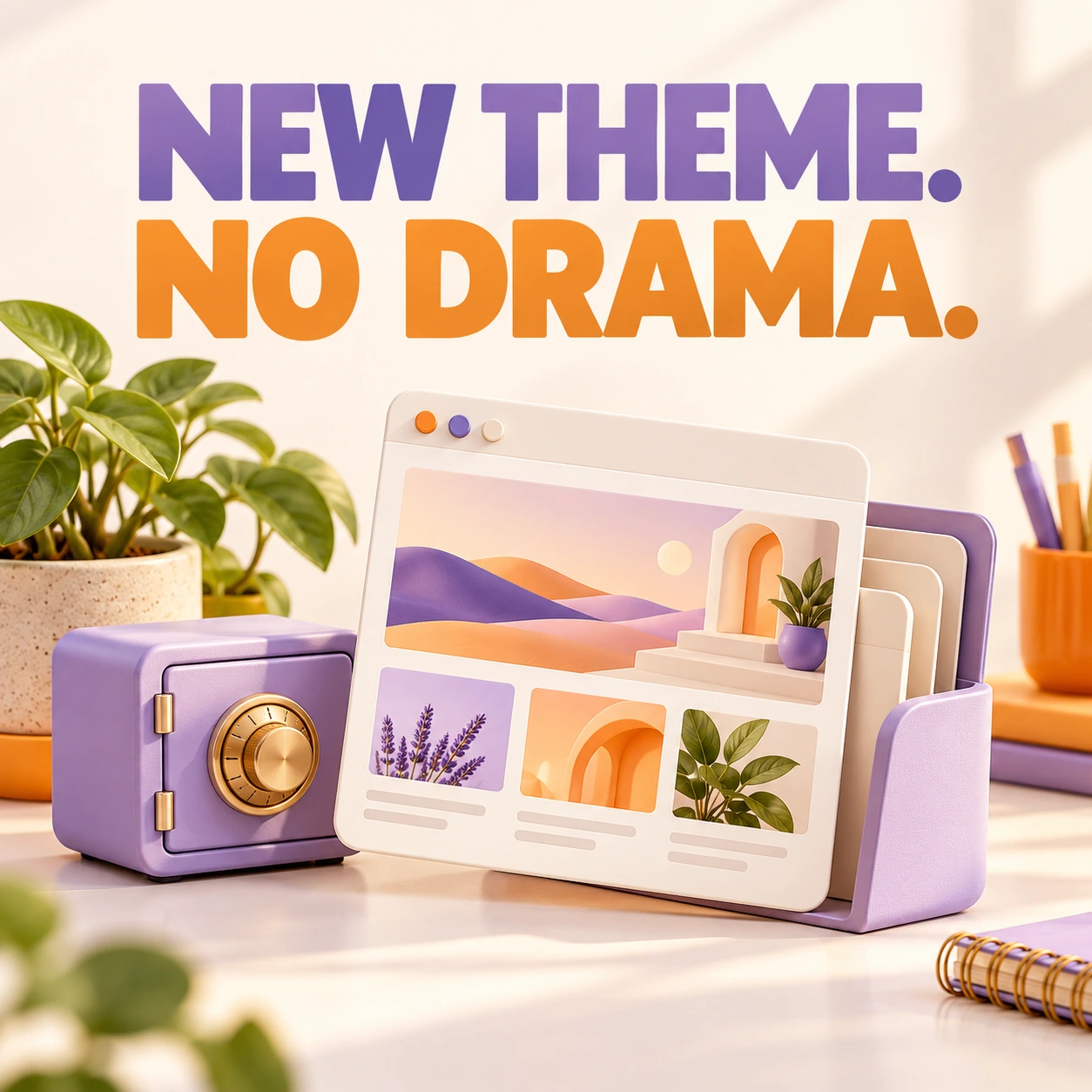
How to Change a Blogger Theme Without Losing Your Bearings
A fresh blog design is exciting. Discovering your sidebar disappeared is less exciting. Give yourself a way back before changing the theme, then test the parts readers actually use.
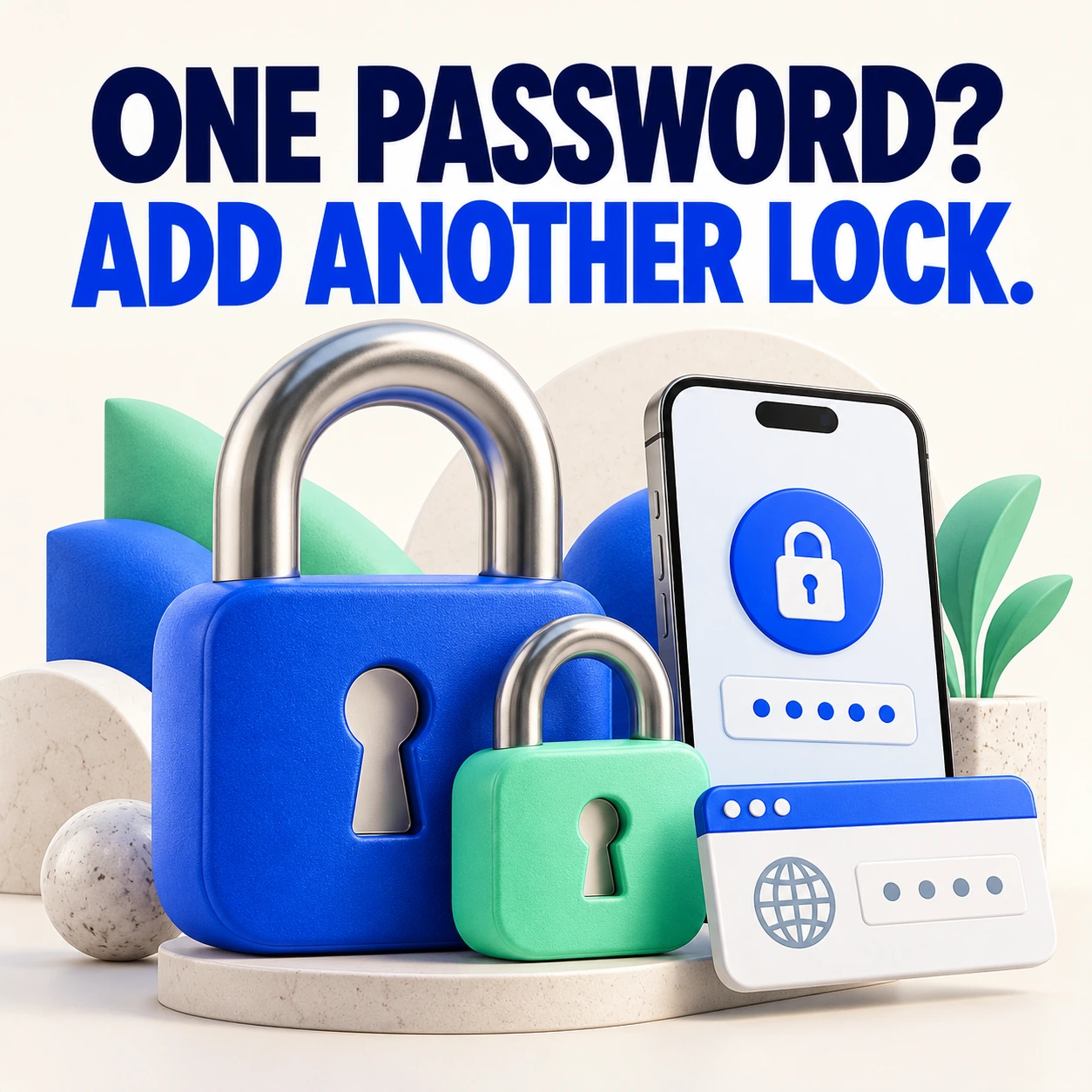
Two-Factor Authentication for WordPress: Add a Second Lock
A strong password matters. A second sign-in check adds another barrier when that password is exposed. Two-factor authentication, often called 2FA, helps protect website accounts by requiring an additional proof of identity.