
Category: GOOD TO KNOW
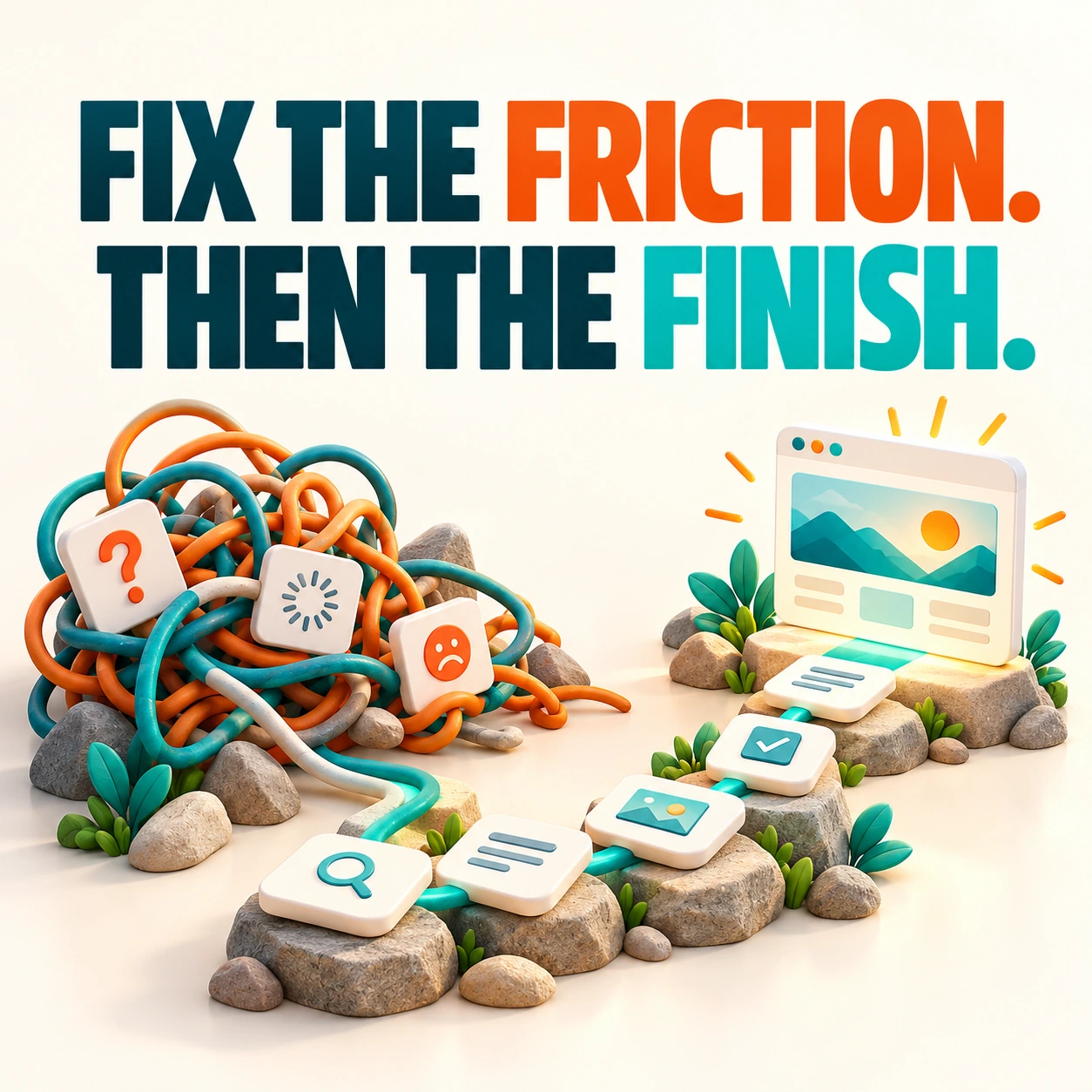
Website Redesign Example: Fix the Friction Before the Finish
Imagine a service business with a beautiful home page, a slow photo gallery, and a contact form nobody can find on a phone. The site does not need more sparkle. It needs a better customer journey. This illustrative example shows how to approach that work without inventing performance results.

10 Questions to Ask Before Hiring a Web Designer
A website proposal can look impressive and still leave the important questions unanswered. Before you sign, find out what you are buying, what you will own, and how the site will work after the launch-day excitement.

Before You Follow a Web Design Trend, Ask These Questions
A dramatic animation caught your eye. Now you want it on your website. Fair enough, but give that idea a quick interview before you hire it. A design trend should help your business communicate, not become the main obstacle between visitors and your contact form.

Website UX: Make It Easier for Customers to Say Yes
A visitor should not need a tutorial to use your website. When the menu makes sense, the copy answers real questions, and the form works, the experience feels simple. That simplicity is the result of thoughtful user experience design.
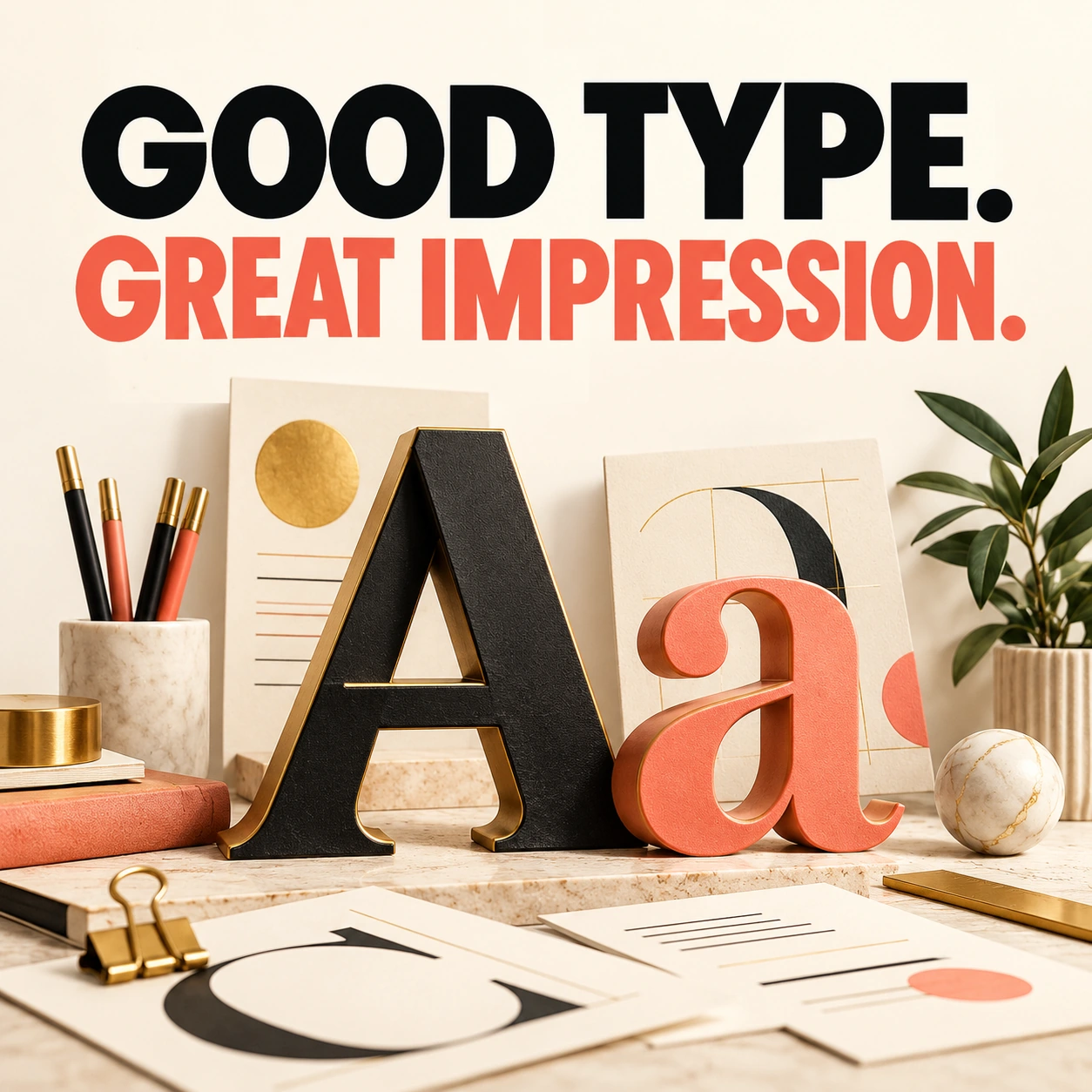
Website Typography: Choose Fonts People Can Actually Read
Your favorite font may be beautiful in a logo and exhausting across six paragraphs. Website typography has to carry the message comfortably on different screens. Personality matters, but people still need to read what you wrote.

Mobile Website Checklist: Test the Visit Your Customers Actually Make
Your website looks excellent on the office monitor. Your customer is standing in a parking lot trying to find your number with one thumb. That is the visit worth testing.

WordPress Maintenance Checklist: Keep Your Website Working After Launch
Your website launched. The confetti settled. Now comes the work that keeps it useful: updates, backups, working forms, current content, and a little attention before small problems become expensive surprises.
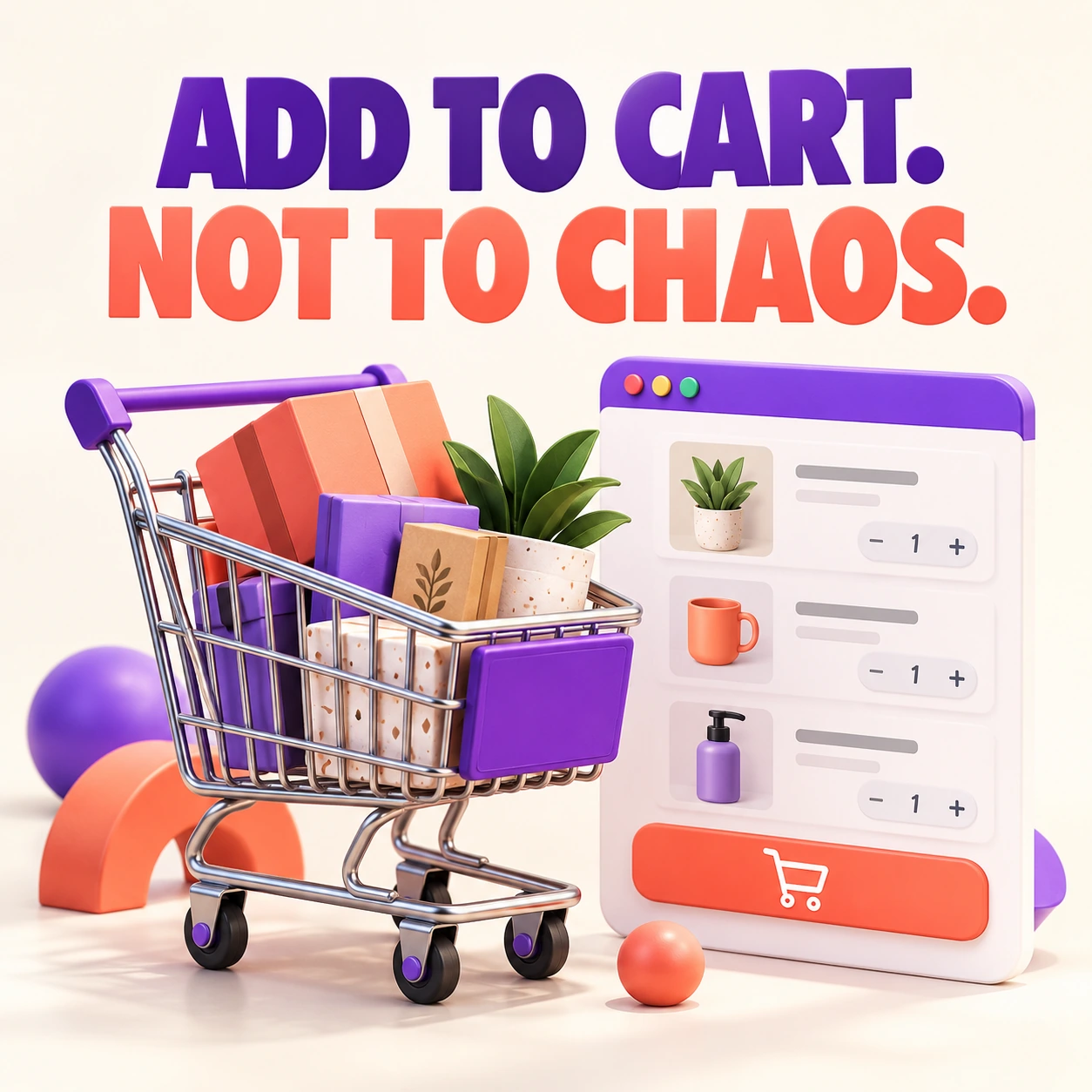
How to Add WooCommerce to WordPress: A Sensible Launch Plan
Installing WooCommerce is the easy part. Building a store that charges the right amount, sends the right emails, and handles an actual order takes more preparation. Start with the selling process before choosing another product-page effect.
Web Design vs. Web Development: Who Does What?
You need a website, but the proposals mention design, development, UX, hosting, and maintenance. Are those five different jobs? They can overlap, but understanding the roles helps you ask for the right work.
Why Your Small Business Should Blog, and What to Write About
Your customers are already asking good questions. A blog gives those answers a permanent home, so the next person can find them without waiting for you to explain the same thing again.